サポート情報
注目の記事
役立つ記事の一部です。探している情報があるかもしれません。

My Tasks: よく寄せられる質問
SharePoint Online と Microsoft Teams で使える Vitextra My Tasks Web パーツに関するよく寄せられる質問に、簡潔に回答します。読み取れるソース、タスクの変更の有無、他のユーザーのタスクの表示、データのプライバシー、タスクの上限、エクスポート、言語、Teams、オンプレミスのタスク、試用版、ライセンスについてわかります。

My Tasks のタスクが表示されない、または読み込まれないのはなぜですか?
Vitextra My Tasks のトラブルシューティング ガイドです。タスク一覧が空の場合、特定のソースだけ表示されない場合、Planner、To Do、Outlook、SharePoint、Azure DevOps のタスクが表示されない場合、データが古い場合、フィルターでタスクが隠れる場合、試用期間が終了した場合、エクスポートできない場合の対処方法と、サポートに連絡する際の情報の集め方を説明します。
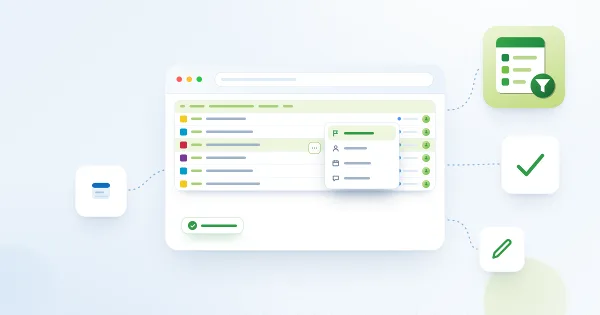
Azure DevOps Query Viewer: クイック アクション (状態の変更、割り当て、期限の設定、コメントの追加)
SharePoint を離れずに Azure DevOps の作業項目を更新する方法です。Vitextra My Tasks (Azure DevOps Query Viewer) でクイック アクションを有効にし、行のメニューから状態の変更、割り当て、期限の設定、コメントの追加を行います。必要なアクセス許可、ダイアログ、エラー時の対処も説明します。
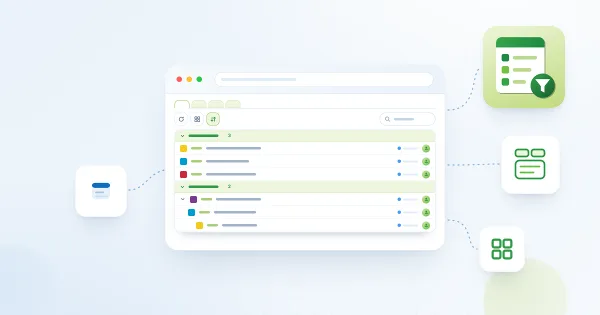
Azure DevOps Query Viewer: 複数のクエリ タブ、グループ化、検索、列のリセット
Azure DevOps Query Web パーツのリファレンスです。クエリ タブ (追加のクエリ 1 ~ 3)、「更新」「列」「グループ化」を備えたコマンド バー、フィールド検索ボックスと「クエリ列にリセット」、ツリー クエリの動作、並べ替え、1000 件の上限、クエリごとの個人設定、更新時刻の表示を説明します。
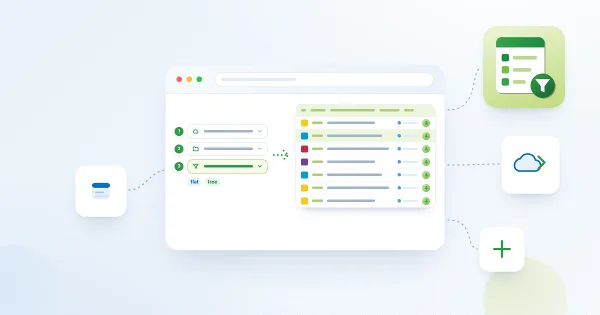
Azure DevOps Query Viewer: セットアップとクエリの接続
Vitextra My Tasks の Azure DevOps Query Web パーツを SharePoint ページに追加し、保存済みの Azure DevOps クエリに接続する方法を説明します。要件、「未構成」のチェックリスト、組織・プロジェクト・クエリの選択、サポートされるクエリの種類、項目数の制限、表示とその他の設定がわかります。
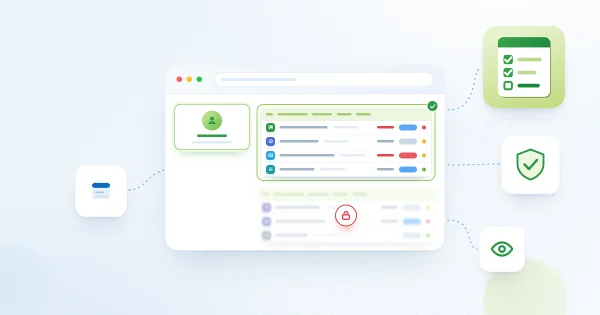
My Tasks: 必要なアクセス許可、プライバシー、セキュリティ
Vitextra My Tasks が要求する Microsoft Graph と Azure DevOps のアクセス許可、テナント管理者が SharePoint 管理センターで承認する手順、データの読み取りに使われる権限、ブラウザーに保存される内容、Web パーツが Planner と To Do のタスクを変更しない理由を説明します。

Microsoft Teams に My Tasks を追加する方法
Vitextra My Tasks を Microsoft Teams に追加する手順を説明します。SharePoint アプリ カタログからのパッケージの同期、個人用アプリとしての追加、チャネルのタブとしての追加、タスクが読み込まれない場合の確認事項がわかります。

My Tasks: 除外ステータスとタスク一覧の絞り込み
Vitextra My Tasks の一覧を短く、必要なタスクだけの状態に保つ方法を説明します。「除外ステータス」設定の一致ルールと例、不要なデータ ソースの無効化、ユーザー個人用の期限クイック フィルターとフィルター パネルがわかります。
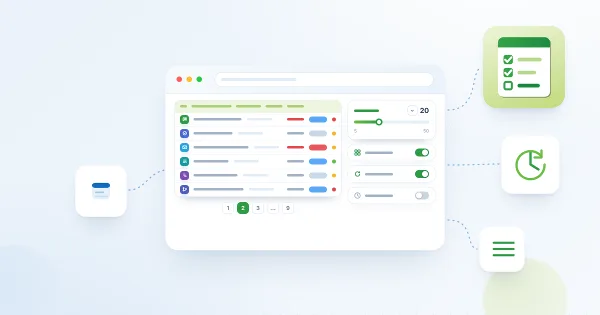
My Tasks: ページング、行の制限、自動更新、即時読み込み
Vitextra My Tasks Web パーツで長いタスク一覧を扱う方法を説明します。ページ サイズのスライダー (5 ~ 50)、ページャー、ページングの有効化、コンパクト一覧、60 秒ごとの自動更新、即時読み込みのための 15 分間のセッション キャッシュ、SharePoint とプロジェクトの 100 件の上限がわかります。
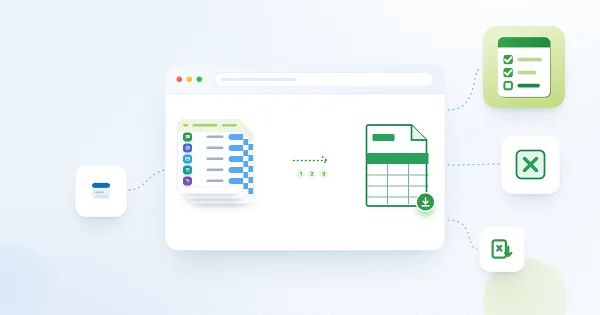
My Tasks を Excel にエクスポートする方法
Vitextra My Tasks Web パーツのタスク一覧を、「Excel にエクスポート」ボタンでエクスポートする方法を説明します。エクスポートされる内容、列とファイル名、ファイルが UTF-8 の CSV である理由、文字化けや列の結合を防いで Excel で開く方法、フィルターが結果に与える影響がわかります。

My Tasks: ページを離れずにタスクの詳細を表示する
Vitextra My Tasks Web パーツで「タスクの詳細」パネルを開く方法を説明します。Planner、To Do、Outlook、SharePoint、Project Online、Azure DevOps のタスクごとに表示されるフィールド、値をクリップボードにコピーする方法、説明の表示方法、元のタスクを開く方法がわかります。

My Tasks: 列の選択と順序の変更
Vitextra My Tasks Web パーツに表示する列とその順序を選ぶ方法を説明します。プロパティ ウィンドウの「列」グループ、ドラッグ アンド ドロップによる順序の変更、リンク付きと通常のタスク名・プロジェクト名の列、既定の列セット、新しい列の自動追加、データ ソースごとに空になる列について解説します。

Display Entra ID Custom Attributes in Employee Directory
How to retrieve Entra ID extension attributes with PowerShell and display them as custom columns in the Vitextra Employee Directory web part for SharePoint and Teams.
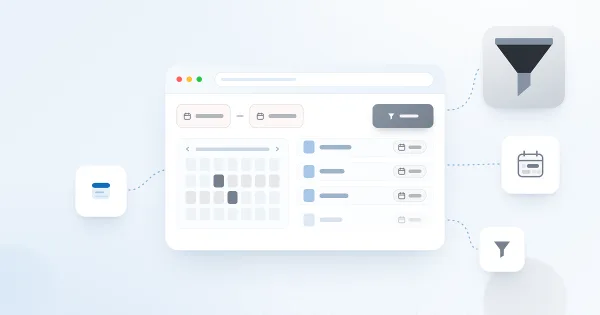
Filter a SharePoint List by Date Range with List Filter
How to filter a SharePoint list or document library by date range using the Vitextra List Filter web part — add a DateTime column with the Date range control and filter.
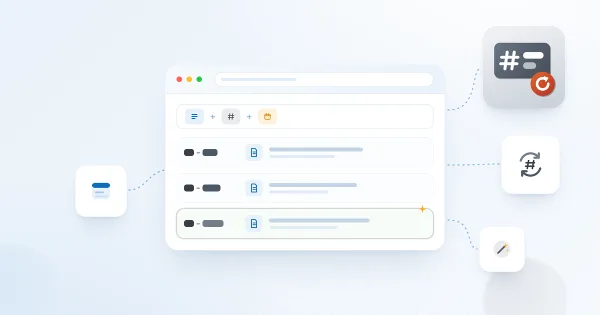
Auto-Generate Column Values with Number Generator
How to set up numbering schemes and formulas in the Vitextra Number Generator for SharePoint — reference columns and sequences, format numbers and dates, and use system fields.

Export the Employee List to an Excel Spreadsheet
How to enable and configure Excel export in the Vitextra Employee Directory — choose columns and export employee search results from User Profiles or Entra ID.

Deploy and Set Up Vitextra Short URL Online
Step-by-step guide to deploying Vitextra Short URL Online in a Microsoft 365 tenant — installing the .sppkg packages, the web part, and the command bar extension in SharePoint.

Employee Directory. Solution Overview
The Vitextra Employee Directory solution includes three web parts: Employee Directory, Employee Directory (Azure AD), and New Employees. Built on the SharePoint Framework (SPFx), it can be hosted on SharePoint Modern Pages, Classic Pages, and Microsoft Teams. This article will describe the main features of these web parts.
List Filter Controls and Supported Column Types
Reference for the Vitextra List Filter web part's 14 filtering controls — Text, Autocomplete, List, Date, Slider, People Picker, and more — and the SharePoint column types each supports.
Auto-Populate the Title Column with the File Name
How to automatically fill the Title column with a document's file name in a SharePoint library using Vitextra Document Auto Title — enable the site feature and configure options.

Let Read-Only Users Vote in Quick Poll
How to configure SharePoint list permissions so read-only users can participate in Quick Poll surveys — grant Contribute on the Responses list.

Export Filtered Data to Excel
Learn how to export SharePoint list or document library to Microsoft Excel
How to Add and Configure the Smart Tiles Web Part
Step-by-step guide to adding the Vitextra Smart Tiles web part to a SharePoint Online page: deploying the package, finding the web part in the toolbox, the sample tiles, the web part title, every setting of the Appearance group, the About group and placing the panel in a full-width section.

Create a Single App Page with Employee Directory
How to create a single app page in SharePoint Online using the Vitextra Employee Directory web part — a full-page employee search available only in the modern UI.
Employee Directory. Solution Overview
The Vitextra Employee Directory solution includes three web parts: Employee Directory, Employee Directory (Azure AD), and New Employees. Built on the SharePoint Framework (SPFx), it can be hosted on SharePoint Modern Pages, Classic Pages, and Microsoft Teams. This article will describe the main features of these web parts.
Display Entra ID Custom Attributes in Employee Directory
How to retrieve Entra ID extension attributes with PowerShell and display them as custom columns in the Vitextra Employee Directory web part for SharePoint and Teams.
Auto-Generate Column Values with Number Generator
How to set up numbering schemes and formulas in the Vitextra Number Generator for SharePoint — reference columns and sequences, format numbers and dates, and use system fields.

List Filter Online for SharePoint: Features and Configuration
Overview and configuration guide for the Vitextra List Filter Online web part: filter SharePoint lists and libraries with a Query Builder, columns, grouping, totals, and Excel export.
How to Add and Configure the Smart Tiles Web Part
Step-by-step guide to adding the Vitextra Smart Tiles web part to a SharePoint Online page: deploying the package, finding the web part in the toolbox, the sample tiles, the web part title, every setting of the Appearance group, the About group and placing the panel in a full-width section.

Configure the List Filter Web Part in SharePoint
How to activate, add, connect, and configure the Vitextra List Filter web part in SharePoint — enable the feature, connect to a List View, and choose fields to filter.

Quick Start: Navigating the Employee Directory
Learn the basics of the Vitextra Employee Directory web part for SharePoint and Teams — the list view, search box, quick-filter bar, and persona card for finding and contacting colleagues.
Create Cross-Site Sequences with Number Generator
How to create and use cross-site sequences in Vitextra Number Generator to auto-generate unique numbers for SharePoint documents and list items across a site collection.
Install a Vitextra Product on SharePoint Server (On-Premises)
Step-by-step guide to installing a Vitextra farm solution on SharePoint Server with the installation wizard — prerequisites, permissions, package, and deployment targets.
Export Filtered Data to Excel
Learn how to export SharePoint list or document library to Microsoft Excel
Filter a SharePoint List by Date Range with List Filter
How to filter a SharePoint list or document library by date range using the Vitextra List Filter web part — add a DateTime column with the Date range control and filter.
Install a Vitextra Product in SharePoint Online
Step-by-step guide to installing a Vitextra SPFx product in SharePoint Online — prerequisites and permissions, uploading the .sppkg to the App Catalog, and approving API access.
共有
Smart Tiles
Smart Tiles Web パーツは、SharePoint サイト内に視覚的に魅力的で直感的なナビゲーション メニューを作成できる強力なツールです。カスタマイズ可能なタイルをレスポンシブ グリッドに配置し、企業ブランドに合わせることができます。
詳細を表示