
Employee Directory クイック スタート ガイド (エンド ユーザー向け)
Vitextra Employee Directory Web パーツのクイック スタート ガイドです。同僚の検索、クイック フィルター、グループ化と並べ替えの結果の見方、連絡先・現地時間・空き状況を確認して Microsoft Teams で連絡できるペルソナ カードの使い方を説明します。
Vitextra Employee Directory Web パーツのクイック スタート ガイドです。同僚の検索、クイック フィルター、グループ化と並べ替えの結果の見方、連絡先・現地時間・空き状況を確認して Microsoft Teams で連絡できるペルソナ カードの使い方を説明します。
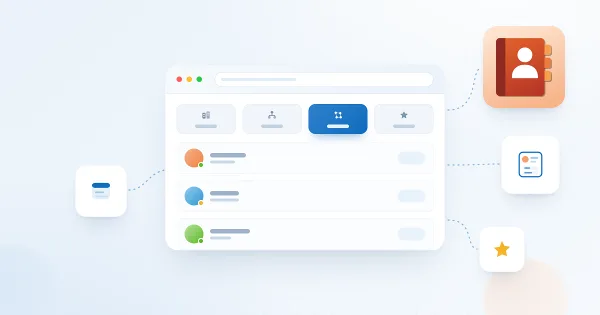
Explains what each quick filter in the Vitextra Employee Directory web part shows and what data it relies on: My department, My team, People I work with and Favorites (saved in your browser), why a filter tab may be missing, and how administrators turn quick filters on or off.
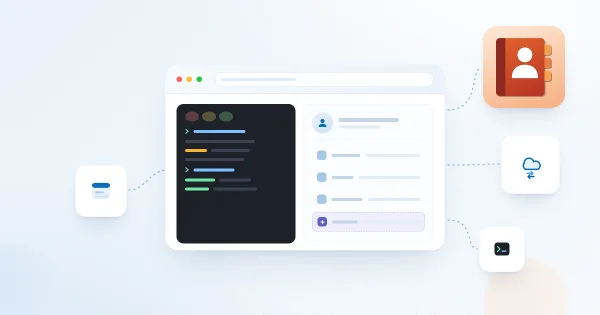
Show custom Microsoft Entra ID user attributes - directory extensions, extensionAttribute1–15 synchronized from on-premises Active Directory and other user properties - in the Vitextra Employee Directory and Employee Directory (Entra ID) web parts on SharePoint and in Microsoft Teams.

Learn how to customize the employee details pane in the Vitextra Employee Directory: built-in and custom attributes, sections, Free/Busy status, recent documents, and settings.

Learn how to spotlight recently hired employees on a SharePoint site with the New Employees web part from Employee Directory: add it to a page, set the look-back period (last 1–6 months) and the number of employees, filter users with the filter editor, and configure card size, card fields and actions.

Overview of the Vitextra Employee Directory solution for SharePoint and Microsoft Teams: the Employee Directory, Employee Directory (Entra ID) and New Employees web parts, SharePoint Framework hosting, Microsoft Graph permissions, data sources, layouts, quick filters, favorites, skills search, local time and availability, and the Entra ID filter editor.
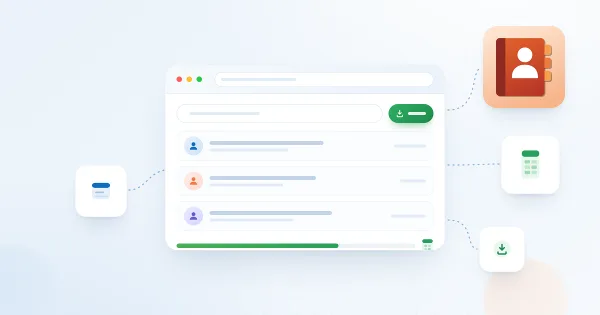
Learn how to enable and configure export of Employee Directory search results to Microsoft Excel (version 4.0.0 and higher): turn on the Export option, choose the columns, run the export from the search box area and know the limitations.
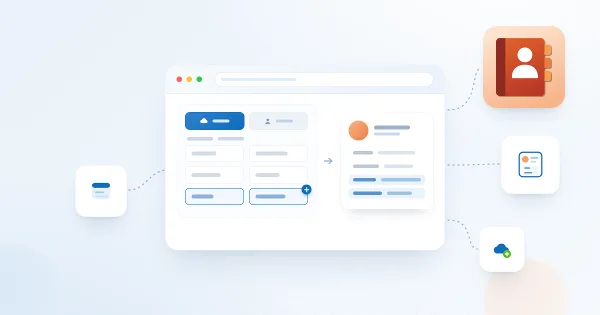
Show custom SharePoint user profile properties in the Vitextra Employee Directory web part: create an indexed profile property, map it to a retrievable managed property in the search schema and add it as a custom column for the list, cards, details pane, Group by and Excel export.
Learn how to create a SharePoint single app page with the Vitextra Employee Directory web part: use New > Page > Apps, create the page, enter a title, adjust the web part settings and save. Available in the modern UI only.