Discussions - Knowledge Base
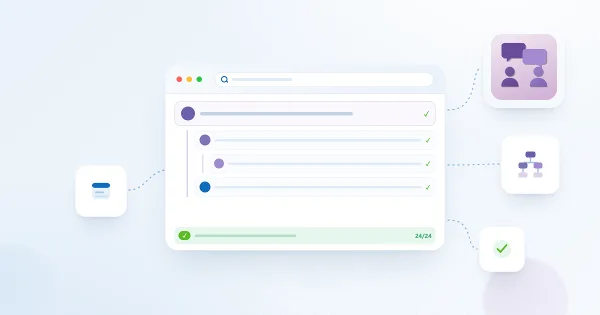
What the Importer Copies and How It Rebuilds Reply Threads
Reference for the classic Discussion Board importer of Vitextra Discussions: the field-by-field mapping of classic topics and replies to the Discussions Topics and Discussions Posts columns, how the reply hierarchy is rebuilt from the classic Parent item references, what happens with flattened boards and orphan replies, how best answers, like counts and last activity are set, how authors and dates are restored, how attachments are copied, what is not copied, and how the Legacy id column makes a second run safe.
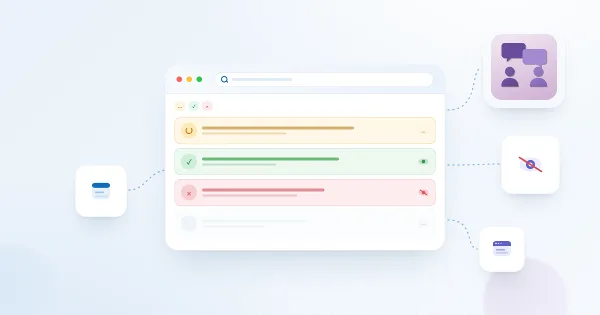
Why a Post Is Not Visible: Approval, Rejection and Visibility Rules
Troubleshooting guide for topics and replies that are missing in Vitextra Discussions: the Require approval setting and the Awaiting approval badge, who sees pending and rejected items, how to approve or reject them in the Moderation queue, views that exclude a topic (Unanswered, Answered, Featured, My topics), category and search filters, paging, the Discussions Activity web part and list permissions.
API Permissions and Admin Consent for Discussions
Reference for SharePoint administrators and security reviewers: the Vitextra Discussions package requests no Microsoft Graph or other API permissions, needs no admin consent and no Microsoft Entra app registration, and works entirely through the SharePoint APIs (REST and CSOM) of SharePoint sites in the context of the signed-in user. What appears in the App Catalog and on the API access page, what the Teams app declares, what is sent to Vitextra, and where the e-mail permission of the optional Power Automate flow lives.
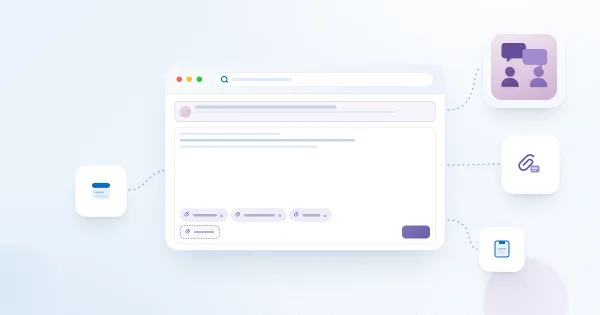
Attaching Files to Topics and Replies
How to attach files to topics and replies in Vitextra Discussions: picking files before you post, adding and removing attachments on an existing post, who can manage them, where SharePoint stores them (list item attachments of Discussions Topics and Discussions Posts), file name rules and the difference between attachments and inline images.
Creating Your First Board: Modes, Categories and Approval
How to create a board in the Vitextra Discussions web part: choose between the Discussions only, Questions and answers only and Discussions and questions modes, define categories one per line, require approval of new posts, and change these settings later in the Board settings panel.
Discussions vs. the Classic SharePoint Discussion Board vs. Viva Engage vs. Teams Channels: Which to Choose
A practical comparison of the ways to run a forum in Microsoft 365: the classic SharePoint Discussion Board, Viva Engage communities, Microsoft Teams channels and the Vitextra Discussions web part - modern pages, permissions and guests, reply threads, best answer, notifications, moderation, compliance, availability by cloud and licensing, with guidance on when each one fits.
Discussions: A Quick Guide for End Users
One-page guide for employees using the Vitextra Discussions board in SharePoint Online or Microsoft Teams: the topic list and its views (Recent, Unanswered, Answered, Featured, My topics), filtering by category and search, opening a topic, starting a new topic, replying, liking, following a board or a topic, and what your SharePoint permissions let you do.
Discussions. Solution Overview
Vitextra Discussions is a discussion board and Q&A forum for modern SharePoint Online pages and Microsoft Teams. Learn what the two web parts do, how boards, topics and threaded replies work, where the data is stored, which permissions apply, and how the trial and licensing work.
Following Boards and Topics: Subscriptions and Digest Frequency
How to follow a board or a topic in Vitextra Discussions: the Follow button and its menu, the Immediately, Daily digest and Weekly digest frequencies, automatic subscription of topic authors, unfollowing, what each kind of subscription delivers, where subscriptions are stored (the Discussions Subscriptions list) and the role of the Power Automate flow.
Formatting Posts: The Rich Text Editor, Images and Code Blocks
How to format topics and replies in Vitextra Discussions: the toolbar buttons and keyboard shortcuts, links, quotes and code blocks, inserting images by button, paste or drag-and-drop (10 MB limit, stored in the Discussions Assets library), what happens to pasted content, and exactly which HTML tags and attributes the sanitizer keeps.
How Notifications Work in Discussions: Subscriptions, Mentions and Power Automate
Reference on the notification model of the Vitextra Discussions web part for SharePoint Online and Microsoft Teams: what the web part does itself (the Follow button on boards and topics, the Immediately, Daily digest and Weekly digest frequencies, automatic following of own topics, @mentions stored in the Mentions column) and what a Power Automate flow has to do to deliver e-mail - the Discussions Subscriptions list, the list events to react to, the recipient rules, digests and the deep link to a topic. No Mail.Send or Graph permission is involved.
How to Add and Configure the Discussions Web Part
Step-by-step guide to adding the Vitextra Discussions web part to a modern SharePoint Online page, creating or selecting a board on first run, understanding the lists created on the site, and tuning the default view, paging, categories, counters and search in the property pane.