Employee Directory - Knowledge Base
Why Doesn't a New Hire Appear in the New Employees Web Part?
A diagnostic checklist for a new employee who is missing from the Vitextra New Employees web part: account creation date in Microsoft Entra ID instead of hire date, guest accounts, the look-back period and the number of people shown, the filter and the default Account Status condition, reused accounts, very large tenants, Microsoft Graph permissions and license messages.
Employee Directory vs. Organizational Chart vs. Employee Details: Which Vitextra People Product to Choose
Compare the three Vitextra people products for SharePoint Online and Microsoft Teams - Employee Directory (find people), Organizational Chart (see the structure) and Employee Details (one person in depth, with self-service profile editing) - by data source, layouts, search and filters, editing, Teams support and typical page, and learn how they work together and what they add to the built-in Microsoft 365 tools.
Microsoft Graph Permissions Required by Employee Directory
Which Microsoft Graph permissions the Vitextra Employee Directory solution requests - Directory.Read.All, User.Read.All, Presence.Read.All, Calendars.Read and People.Read - what each one is used for, which web parts need it, what users see when it is not approved, and how to approve and check the permissions in the SharePoint admin center.
Preparing Microsoft Entra ID and User Profile Data for Employee Directory
Which Microsoft Entra ID attributes and SharePoint user profile properties drive each feature of the Vitextra Employee Directory - names and A–Z navigation, department and quick filters, manager and direct reports, photos, skills, licenses, account status, creation date and working hours - where to edit them, how long changes take to appear, and a checklist before go-live.
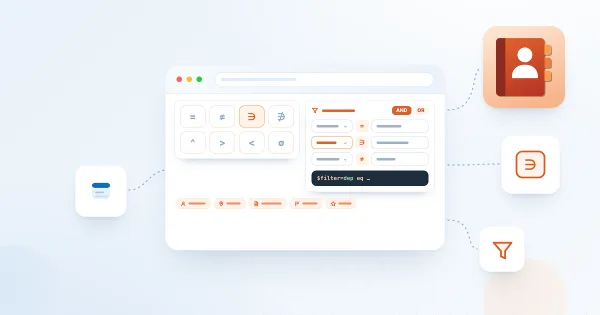
Employee Directory (Entra ID): Filter Editor Reference
Reference for the filter editor of the Vitextra Employee Directory (Entra ID) and New Employees web parts: available fields, operators, value types, groups and AND/OR logic, user roles, how the filter relates to Microsoft Graph, limitations and ready-to-use examples.
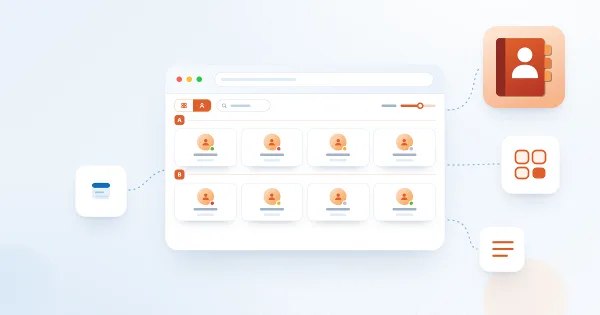
Employee Directory Layouts: Details and Cards, Card Size, Card Fields and Group By
How to choose between the Details (list) and Contact (cards) views in the Vitextra Employee Directory web parts, set the card size and card fields, configure columns and compact list, group people by a column, custom attribute or last-name letter, and show the search box and totals.
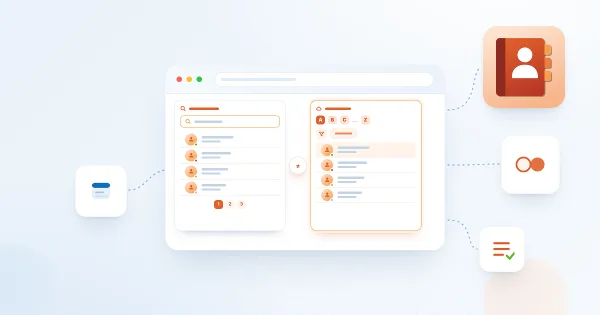
Employee Directory vs. Employee Directory (Entra ID): Which Web Part to Choose
Compare the two Vitextra directory web parts - Employee Directory (SharePoint search or Microsoft Graph) and Employee Directory (Entra ID) - by data source, search, refinement panel, filter editor, exclusions, A–Z navigation, skills search and export, and find out which one fits your scenario.

Employee Directory: Local Time, Working Hours and Availability
Learn how the Vitextra Employee Directory details pane shows a colleague's local time, time difference, working hours and today's free/busy schedule next to your own, where the data comes from, which Microsoft Graph permissions it needs and how administrators turn it on or off.

How to Add and Configure the Employee Directory Web Part
Step-by-step guide to adding the Vitextra Employee Directory web part to a SharePoint Online page and configuring its main settings: the data source (User Profiles or Microsoft Entra ID), columns, sorting, page size, search box and totals, plus an overview of every other property pane group.
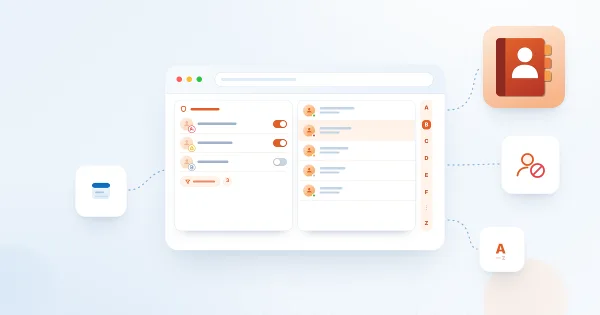
How to Configure the Employee Directory (Entra ID) Web Part: Filters, Exclusions and A–Z Navigation
Step-by-step guide to configuring the Vitextra Employee Directory (Entra ID) web part in SharePoint Online: columns and custom columns, the predefined filter, skills search, sorting and paging, excluding unlicensed users, blocked accounts and employees with a blank department or job title, and alphabetical (A–Z) navigation.
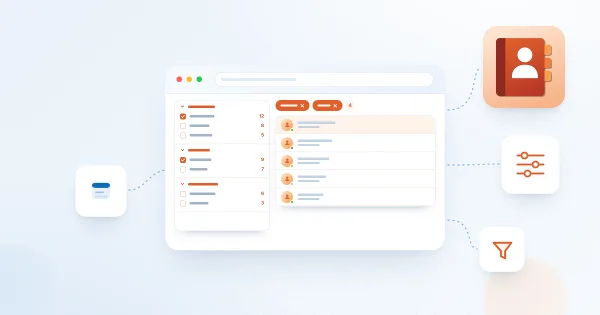
How to Set Up the Refinement Panel in Employee Directory
Step-by-step guide to enabling and configuring the refinement panel in the Vitextra Employee Directory web parts: supported data sources, panel position, refiner settings, refinable managed properties for custom profile properties, and how employees use refiners together with search and quick filters.
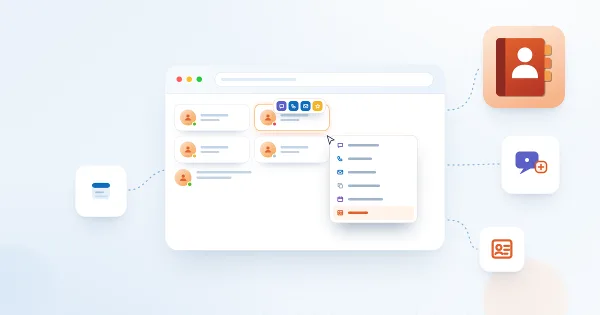
Employee Actions in Employee Directory: Chat, Call, Email, Copy Email, Schedule a Meeting and vCard
Reference for the per-person actions in the Vitextra Employee Directory web parts: Chat in Teams, Call in Teams, Send E-mail, Copy e-mail address, Schedule a meeting and Download vCard. Learn where each action appears, what it opens, when it is hidden, how it behaves in Microsoft Teams, and how administrators enable it for Quick Actions and the Context Menu.