Employee Directory - Knowledge Base
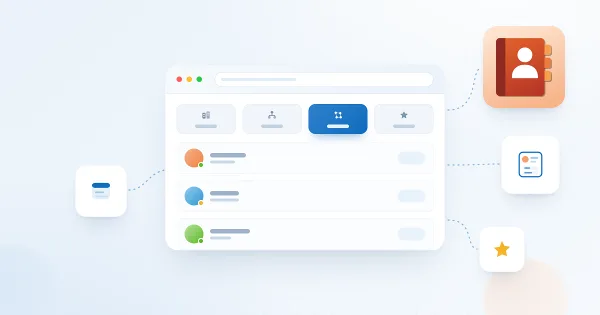
Employee Directory Quick Filters: My Department, My Team, People I Work With, Favorites
Explains what each quick filter in the Vitextra Employee Directory web part shows and what data it relies on: My department, My team, People I work with and Favorites (saved in your browser), why a filter tab may be missing, and how administrators turn quick filters on or off.
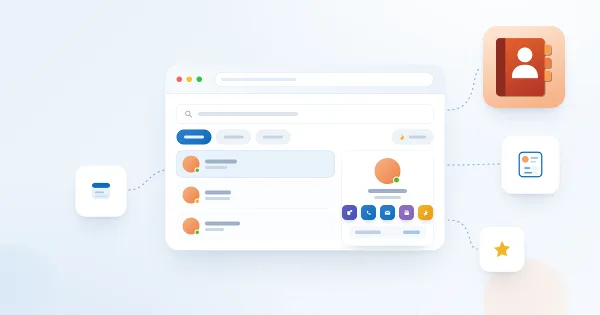
Employee Directory Quick Start Guide for End Users
Quick-start guide to the Vitextra Employee Directory web part: search for colleagues, use quick filters, read grouped and sorted results, and open the persona card to see contact details, local time and availability and reach out in Microsoft Teams.
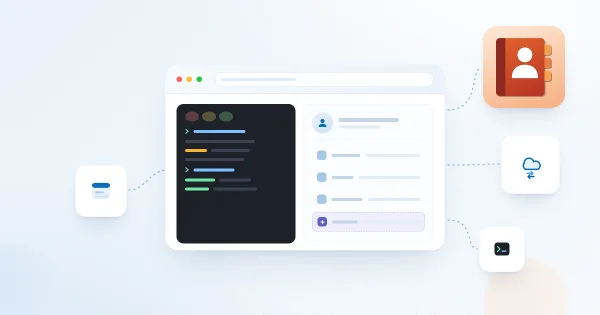
How to Display Custom Entra ID Attributes in the Employee Directory Web Part
Show custom Microsoft Entra ID user attributes - directory extensions, extensionAttribute1–15 synchronized from on-premises Active Directory and other user properties - in the Vitextra Employee Directory and Employee Directory (Entra ID) web parts on SharePoint and in Microsoft Teams.
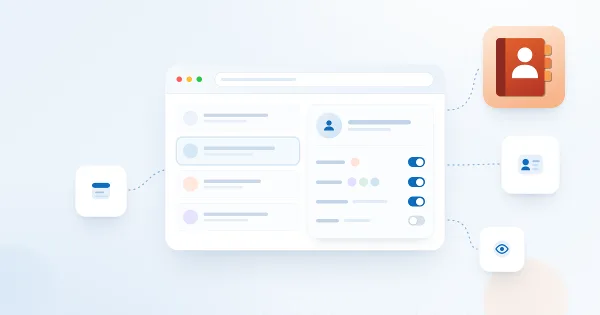
Customizing the Employee Details Pane in Employee Directory
Learn how to customize the employee details pane in the Vitextra Employee Directory: built-in and custom attributes, sections, Free/Busy status, recent documents, and settings.
How to Showcase New Hires with the New Employees Web Part
Learn how to spotlight recently hired employees on a SharePoint site with the New Employees web part from Employee Directory: add it to a page, set the look-back period (last 1–6 months) and the number of employees, filter users with the filter editor, and configure card size, card fields and actions.
How To Export a User Profile as a Business Card (vCard)
The downloaded vCard opened as a contact card showing the name, e-mail, job title, company, address and phone numbers of the employee.
How To Create a Custom Searchable User Profile Property
The property pane of the Employee Directory web part, Employee Details section, where the new managed property is selected as a custom attribute.
How To Add Employee Directory App to Microsoft Teams
Microsoft Teams with the Employee Directory (Employees) icon pinned in the left app bar, and the app open showing the employee search page with quick filters and a grid of employee cards.
Employee Directory Overview: Web Parts, SPFx and Microsoft Graph
Overview of the Vitextra Employee Directory solution for SharePoint and Microsoft Teams: the Employee Directory, Employee Directory (Entra ID) and New Employees web parts, SharePoint Framework hosting, Microsoft Graph permissions, data sources, layouts, quick filters, favorites, skills search, local time and availability, and the Entra ID filter editor.
How to Export Employee Directory Results to Microsoft Excel
Learn how to enable and configure export of Employee Directory search results to Microsoft Excel (version 4.0.0 and higher): turn on the Export option, choose the columns, run the export from the search box area and know the limitations.
How to Add Custom User Profile Attributes to the Employee Directory Web Part
Show custom SharePoint user profile properties in the Vitextra Employee Directory web part: create an indexed profile property, map it to a retrievable managed property in the search schema and add it as a custom column for the list, cards, details pane, Group by and Excel export.