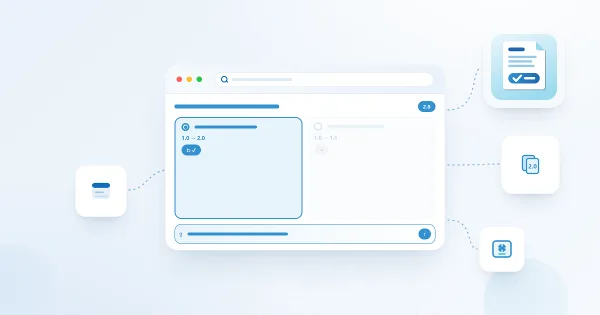
How to Publish a New Policy Version and Request Acknowledgement Again
Choose material or editorial changes, publish a new policy version and launch an update campaign without confusing carried acknowledgements with new confirmations.
Choose material or editorial changes, publish a new policy version and launch an update campaign without confusing carried acknowledgements with new confirmations.
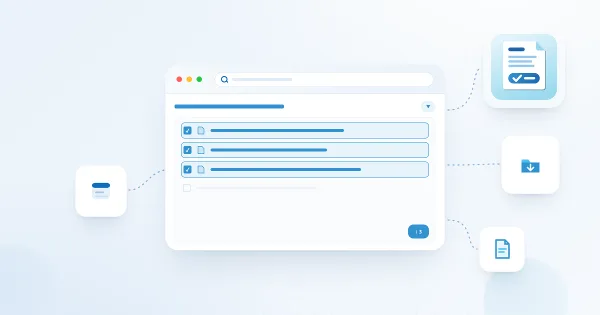
Import existing hub-library files as draft policy cards, understand the 500-file selection limit and complete owner, metadata and publication checks.
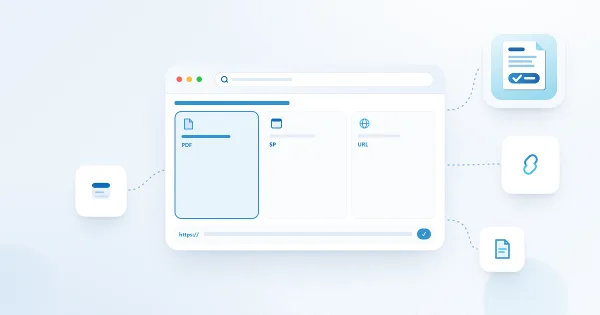
Choose a policy source with a clear understanding of preview behavior, permissions, fingerprints, snapshots and historical-content limits.
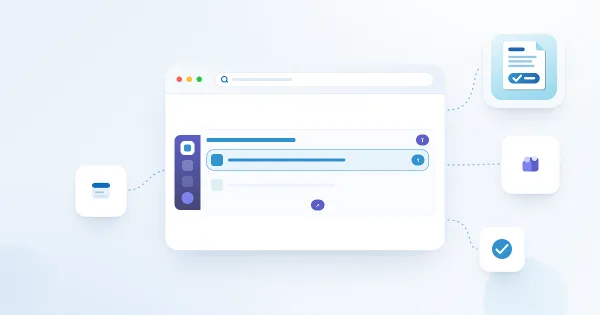
Deploy the My Policies personal app, connect it to the policy hub and verify employee navigation and acknowledgement behavior in Teams.
Organize policy categories and configure policy, category and global acknowledgement statements with predictable fallback behavior.
Understand policy hub storage, acknowledgement recording modes, permission synchronization and evidence-protection limitations.
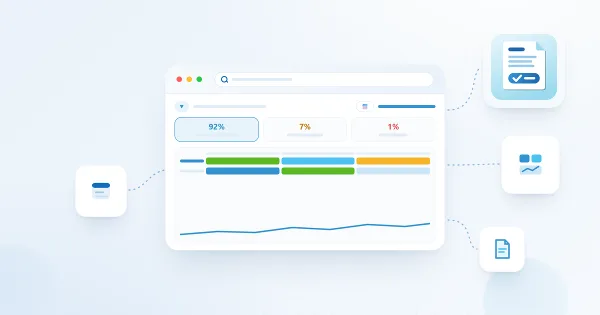
Use compliance indicators, department filters, historical dates, policy matrices and Excel export to analyze policy assignments.
Respond to employee questions, reopen assignments and record exemptions with reasons in Policy Manager.
Open a policy assignment, satisfy reading controls, confirm the acknowledgement text and verify your recorded receipt.
Find pending and overdue policies, view previous acknowledgements and understand exemptions in My Policies.
Combine Entra ID groups, SharePoint groups, employee attributes and individual exceptions to select a campaign audience.
Assign a published policy version to employees with the campaign wizard, audience preview, due dates and launch checks.